


Description
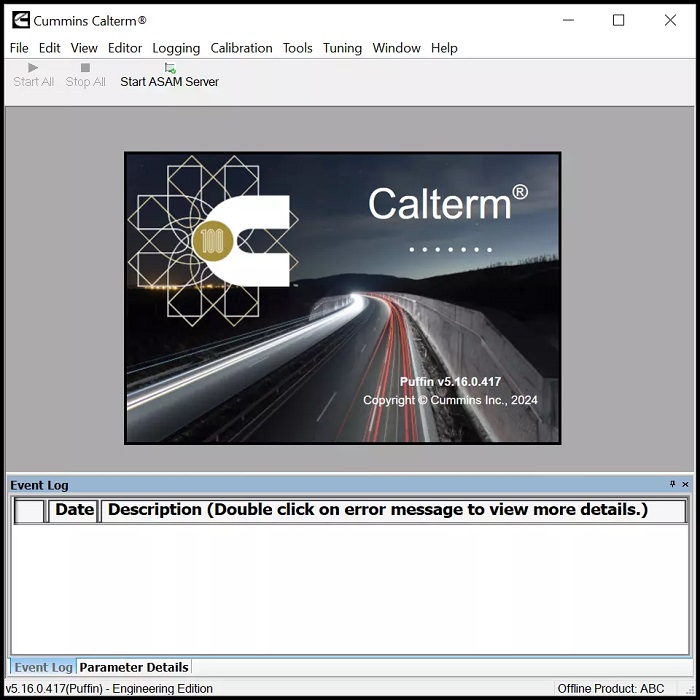
Cummins Calterm software is engineering development tool used to monitor Electronic Control Modules for Cummins engine systems, and to alter the calibration data contained therein.
This software enables precise control and adjustment of key components, including DPF, SCR, and EGR systems. With Calterm v5.16, users can access original data, modify CPL parameters, and manage ECFG files for CM2250 and CM2350 modules.
- Cummins Calterm V5.16.0.417 Remote install by Teamviewer (one PC)
- Crack ones Calterm v4.7.1.007 with Keygen and Metafilles(Total 227MB After Zip)
- WORKS WITH CUMMINS INLINE ,NEXIQ ,NOREGON DLA AND DPA5 ADAPTER
Cummins Calterm 4 Software Functions :
- Installation Quality Assurance testing
- Perform DPF regeneration
- View active and inactive fault codes
- Troubleshoot integration issues
- Troubleshoot calibration issues
- Collect engine/AT test data
Cummins Calterm software can be used to:
- monitor ECM or any J1939/Datalink device parameters
- temporarily change calibrations
- view and erase fault codes
- log ECM and J1939/Datalink parameters
- Software config file is a text file that contains and assign the engine parameters, along with their scaling and location inside the ECM memory
There are two types of software configuration files:
- .e2m (Core 1 products e.g EPA 2004 and below)
- .ecfg (Core 2 products (Core 2 products e.g Above EPA 2007)
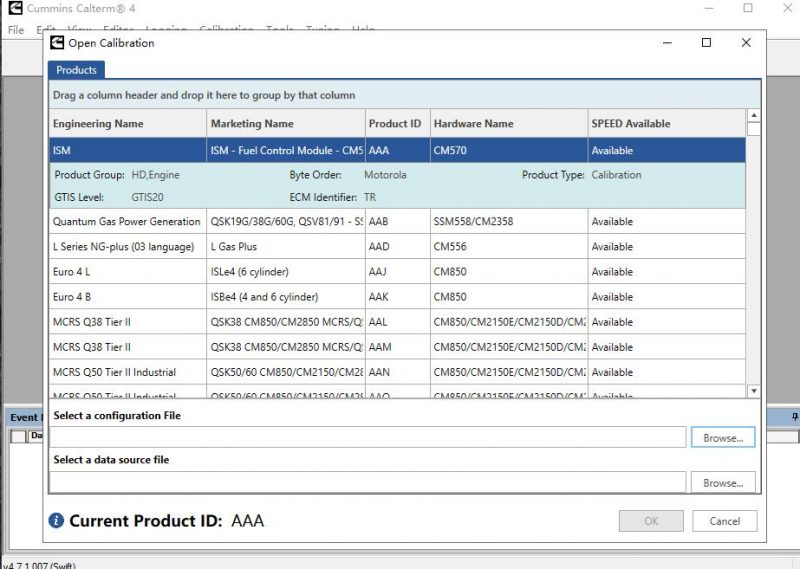
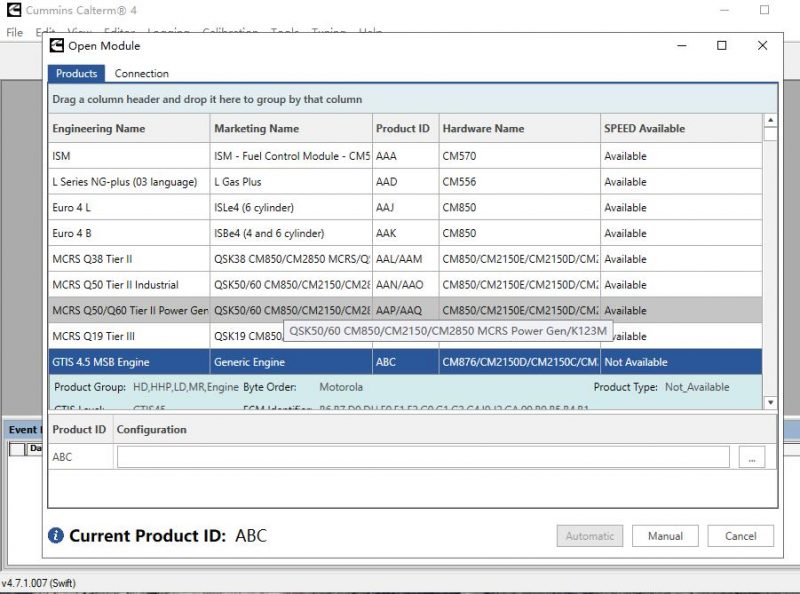
How to Install Calterm 4.7.1 software ?
Turn off Antirus Programmer and Windows Defender Firstly ,otherwise you will killed files as virus report.But take easy it have not virus at all . cracked files always wrong report .Windows 10(64bit ) tested , W11 not yet.
- Run Calterm4v4.7.1.007 for installation
- Run HWID6.exe ,Get the HW ID save it to HWID1.TXT
- Run KMforKM.exe and copy HWID1 inside for make key (name as any you want )
- Copy the km.lic file from KMforKM directory to KM
- Run HWID6.exe again ,get the HW ID and save it to HWID2.TXT
- Run KM.exe and copy HW ID2 inside make key (it will generate cc.sn file under lics file )
- Copy 3 files (Calterm_start.exe , fnp_ld.dll,cc.sn )to C:\Software\Calterm4\
- Sent shortcut of Calterm_start.exe and Always run from Calterm_start.exe

Reviews
There are no reviews yet.