
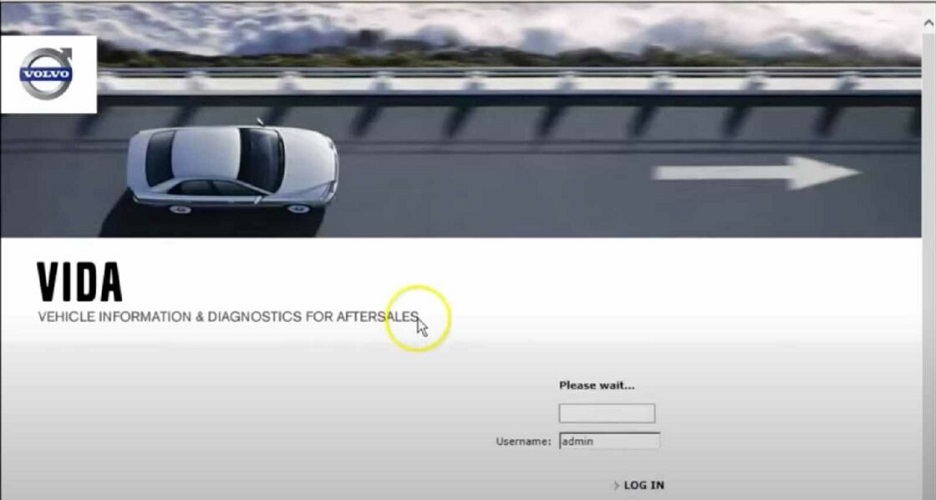
Volvo VIDA is the diagnostic system that supports workshops in repairing and servicing Volvo vehicles,Vida software able runs on Windows 7 and Windows 10 and stands for “Vehicle Information and Diagnostics for Aftersales”. VIDA provides parts information, service information, diagnostic fault tracing and software download, all integrated into one single application.
This software supports Volvo vehicles built on the P3 platform (2010-2016) and earlier platforms. It does not include compatibility for newer Volvo platforms, such as CMA or SPA, which are used in later models (e.g., XC90, V60, XC40, etc.). for MY 2016 and newer (XC90, S90,V90 and similar platform vehicles) are only viewable within a VIDA subscription that includes Diagnostics or module programming.
Compatible Interface:
- Volvo Dice Unit(High Quality with M32C Chip)
- Mongoose Volvo Cable
- Passthru Interface like SM2 pro
Software version :
- Vida 2014D for Windows 7
- VIDA 2014D Repack with more model support for Windows 10 and Windows 11(use with a torrent downloader like uTorrent)
How to install Volvo VIDA on Windows 10 ?
- Download 2014D_Repack.iso Installer and Patch
- Manually install .net framework 3.5. (Control Panel\All Control Panel Items\Programs and Features\Turn Windows Features on and off\ Check mark the box for .Net Frame 3.5. Click [ OK ] wait for .Net Frame 3.5 to install then reboot.)
- Enable Internet Explorer 11(Control Panel\All Control Panel Items\Programs and Features\Turn Windows Features on and off\ Check mark the box for IE 11)
- In Windows File Explorer navigate to the 2014D_Repack.iso. Select, Left click then Mount.
- Run scripts 1- 3, in the root directory of VIDA2014D_RePack.iso, one at a time.
- Run the 2099 patch under Admin
- Run Script 4 (Never run Script 5),Reboot and Wait for Java to request a firewall exception.
- Wait for Vida monitor to turn green.
- Password: 1 – 4 for specific Partner groups.Never log in using admin. While it may allow access, this is a special account intended for system maintenance and can cause unexpected behaviour or missing features in VIDA.Use one of the following login numbers, depending on your region:
- 4 — Europe (general EU market)
- 3 — Northern Europe (Scandinavia and surrounding areas)
- 2 — America (North and South America)
- 1 — International markets (Asia, Oceania, etc.)
Questions :
How to run vida with Microsoft Edge?
In Microsoft Edge install the extension IE Tab. Use IE Tab to open http://localhost/Vida/ this will take you to the VIDA login in page. and then You can bookmart VIDA login page for startup VIDA.There is also a IE Tab for Google chrome. You can use it to operate VIDA in Google Chrome.Note: Do not uninstall IE11. IE Tab uses the IE11 rendering engine.
DiCE does not work correctly?
Run DiCE driver setup in :\3PP\Products\DiCE\
Why i get a X in the interface box?
Run VidaMedia:\Install\Utils\EnableIEHostingxxx.reg .Make sure you run the right one for your operating system.
xxx =x64 is for 64bit operating systems.
xxx =x86 is for 32bit operating systems.
Leave A Comment