
Description
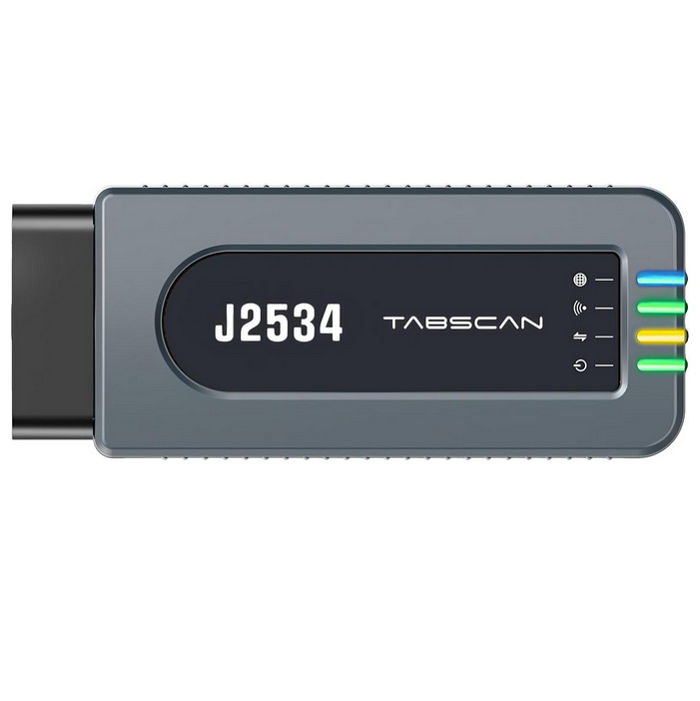
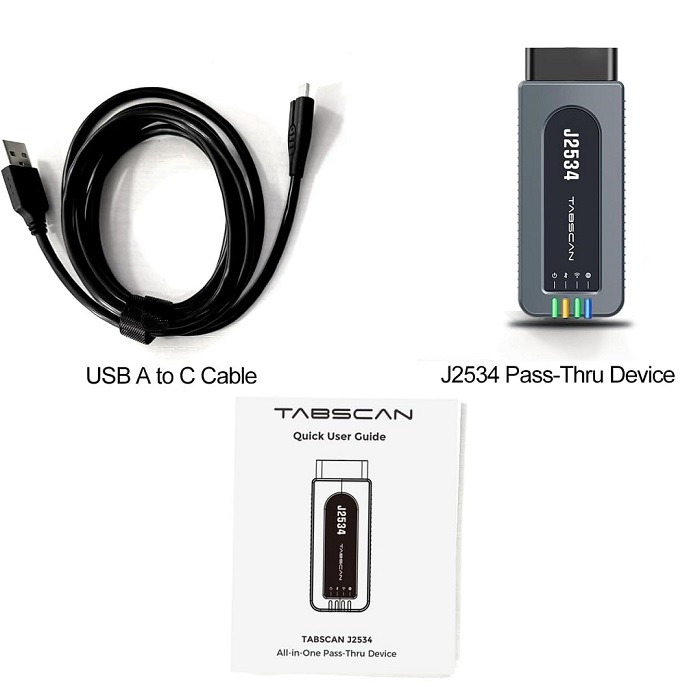
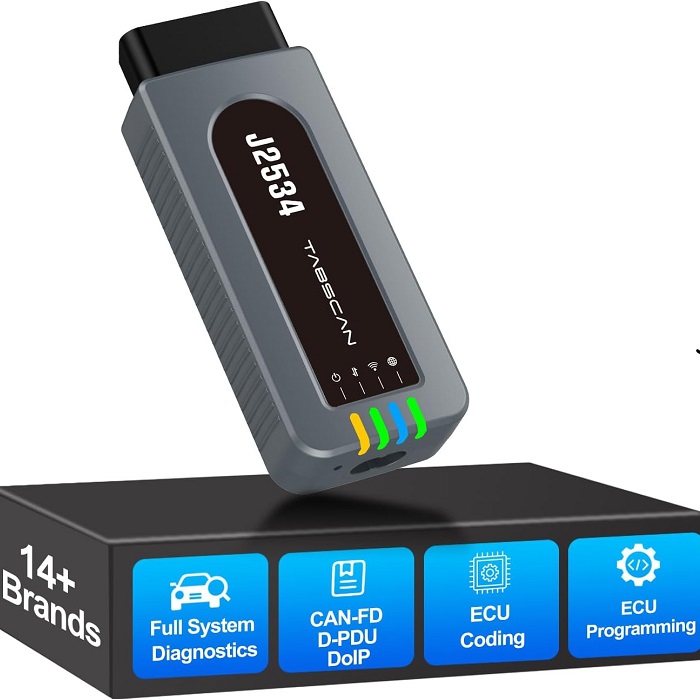
Tabscan T6 J2534 Interface is an all-in-one pass-thru device. T6-J2534 provides OEM diagnostics and reprogramming for various vehicle brands. With support for J2534, D-PDU, CAN-FD and DoIP, it delivers dealership-level capability, saving you hundreds on repairs. This pass-thru tool only works with computer running on windows 7/10/11. It’s not compatible with 24V vehicles.
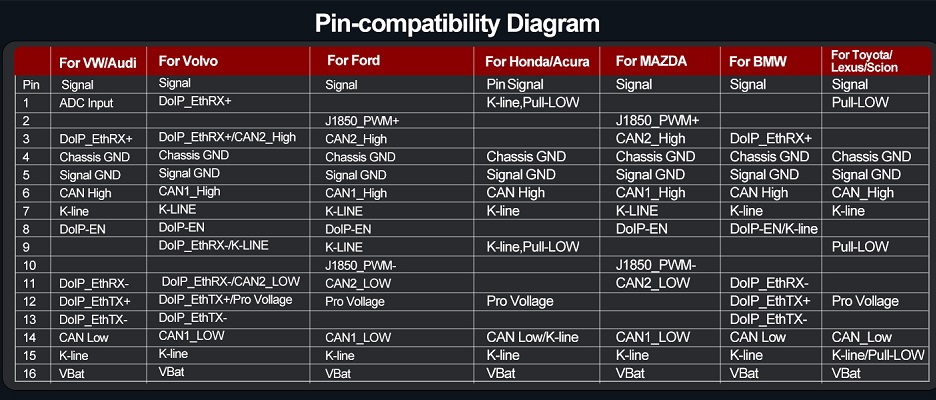
Equipped with specialized platform software, Tabscan J2534 Tool is Easy to Use. There’s no confusing setup—just a straightforward path to powerful diagnostics. Simply download the correct driver (ensure only one is installed at a time), connect the tool with your vehicle and computer, and integrate it with your OE software. After these quick steps, you can perform OEM diagnostics and programming seamlessly .
TabScan T6 J2534 Works As a universal J2534 device ,the TabScan T6-J2534 letting you connect OEM software with vehicle ECUs through the OBD-II port. Ideal for ECU reprogramming, module flashing, and system calibration across brands.Use with official factory software. It Perform deep diagnostics, read/clear fault codes, view live sensor data, and support advanced service functions when licensed software is used.
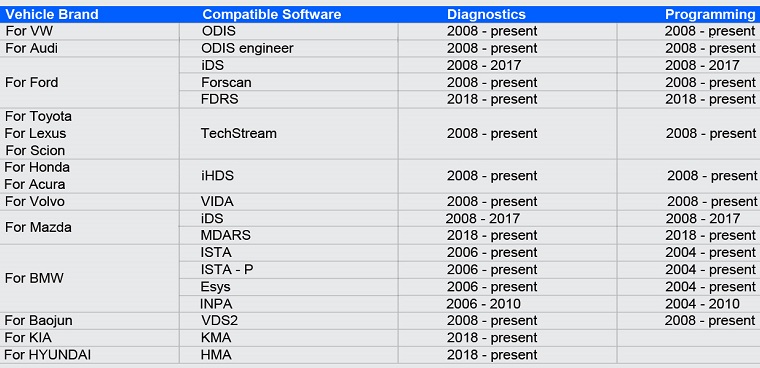
Compatibility OEM Software:
- VW/AUDI : ODIS-Service ,ODIS-Engineer
- Ford/Mazda: IDS,Forscan,FDRS,MDARS
- Toyota/Lexus/Scion: Techstream v16
- Honda/Acura: iHDS
- Volvo :VIDA
- BMW:ISTA+,Esys,INPA
- KIA/Hyundai:KMA,HMA
- Baojun:VDS2
Example how to use it with ODIS-S ?
- Please install ODIS-Service correctly
- Create your TABSCAN account with email or phone number, and log in.
- Connect the device to your PC using the provided USB cable. Check whether there is an update notice on the top left corner. For optimal performance, please upgrade to the latest firmware version when available on the TABSCAN platform.
- Click the drop-down arrow of the current driver and select the VW driver to installNote: For the stability of the program, it’s better to only have one vehicle brand driver installed at a time.
- Make sure the driver is enabled before using OEM software to diagnose.
- Double click the OEM software ODIS icon to open,Click ”Extras” on the lower right corner.lick “Diagnostic Interface”
- choose the device that appears in Diagnostics hardware type, then click “Use selected VCI”
- After the VIN is detected, click “Starting Diagnosis” to start the diagnosis

Reviews
There are no reviews yet.